



文章最后更新时间:
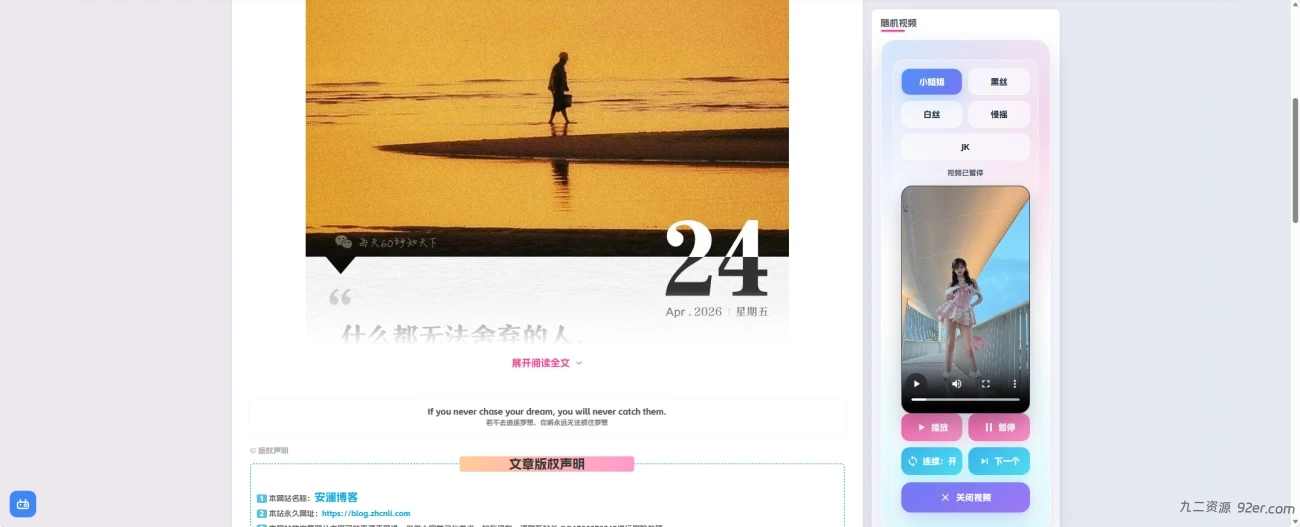
效果图

原生代码
<div class="svg-hr-wrap"><div class="svg-hr-hover"></div><hr class="svg-hr"> <svg class="svg-hr-icon" xmlns="http://www.w3.org/2000/svg" width="256" height="256" viewBox="0 0 256 256"> <g fill="currentColor"> <path d="M40.2 95.8a28 28 0 1 1 39.6 0a28 28 0 0 1-39.6 0m0 64.4a28 28 0 1 0 39.6 0a28 28 0 0 0-39.6 0" opacity=".2"></path> <path d="M157.73 113.13a8 8 0 0 1 2.09-11.13l67.66-46.3a8 8 0 0 1 9 13.21l-67.67 46.3a7.9 7.9 0 0 1-4.51 1.4a8 8 0 0 1-6.57-3.48m80.87 85.09a8 8 0 0 1-11.12 2.08L136 137.7l-42.51 29.08a36 36 0 1 1-9-13.19L121.83 128l-37.39-25.59a35.86 35.86 0 1 1 9-13.19l143 97.87a8 8 0 0 1 2.16 11.13M80 180a20 20 0 1 0-5.86 14.14A19.85 19.85 0 0 0 80 180m-5.86-89.87a20 20 0 1 0-28.28 0a19.85 19.85 0 0 0 28.28 0"></path> </g> </svg></div>

<script>document.addEventListener('DOMContentLoaded',function(){document.querySelectorAll('a[href^="#"]').forEach(function(anchor){anchor.addEventListener('click',function(e){var target=document.querySelector(this.getAttribute('href'));if(target){e.preventDefault();target.scrollIntoView({behavior:'smooth'});}});});});document.addEventListener('DOMContentLoaded',function(){var hoverArea=document.querySelector('.svg-hr-hover');var scissor=document.querySelector('.svg-hr-icon');if(hoverArea&&scissor){hoverArea.addEventListener('mouseenter',function(){scissor.classList.add('moving');});hoverArea.addEventListener('mouseleave',function(){scissor.classList.remove('moving');});}});</script>

<style>.svg-hr-wrap{position:relative;width:100%;min-height:1.5em}.svg-hr-hover{position:absolute;left:0;right:0;top:0;bottom:0;z-index:2;cursor:pointer;clear:both}.svg-hr{border:none;border-top:1px dashed #eaeaea;background:0 0;box-shadow:none;margin:0}.svg-hr-icon{position:absolute;left:5%;top:-.7em;width:1.5em;height:1.5em;z-index:3;pointer-events:none;color:#999;transition:left .8s cubic-bezier(.62,1.5,.6,1)}.svg-hr-icon.moving{left:86%}.article-timeout{position:relative;border-radius:8px;margin-bottom:25px;padding:10px;background-color:var(--body-bg-color,#fffbe6);color:#333;font-size:15px}.article-timeout code{background:#f6f6f6;color:#f60;padding:2px 6px;border-radius:4px}.article-timeout a{color:#f60}</style>
优化后的代码
下面分三个步骤
1.HTML代码
2.JS代码
3.CSS代码
© 版权声明
© 版权声明 All Rights Reserved
THE END



暂无评论内容